UCAN Account Q&A: Account Issues for Deferred Students
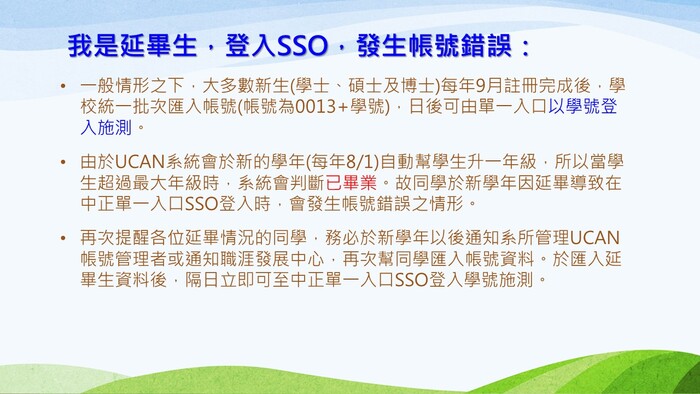
- Under normal circumstances, accounts for new students (Bachelor's, Master's, and Ph.D.) are batch-imported by the university every September after registration is complete. The account username format is "0013" followed by the Student ID. Students can subsequently log in via the Single Sign-On (SSO) Portal using their Student ID to take the assessment.
-
The UCAN system automatically promotes students to the next grade level at the start of each academic year (August 1st). When a student exceeds the maximum grade level, the system assumes they have graduated. Consequently, students extending their studies (deferred students) may encounter account errors when logging in via the CCU SSO Portal during the new academic year.
-
We would like to remind students who are currently extending their studies that you must notify your Departmental UCAN Administrator or the Career Development Center after the start of the new academic year, providing your original enrollment year, department, and student ID, so that we can re-import your account data. Once the data has been imported, you will be able to log in via the CCU SSO Portal using your student ID on the following day to take the assessment.